 Everlens
Hidden until you reveal them.
Your guests shoot all day. They can't see a single photo until you choose the moment. Then the whole album unlocks at once.






Hidden from guests
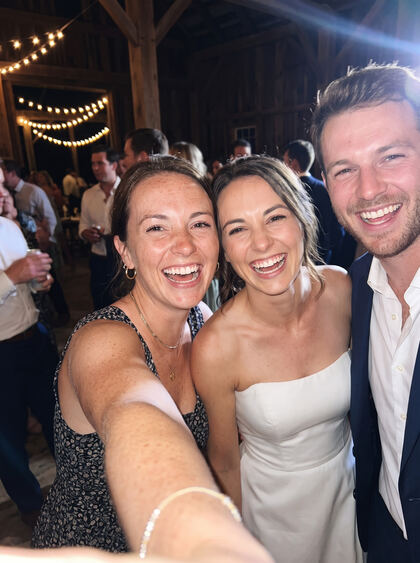
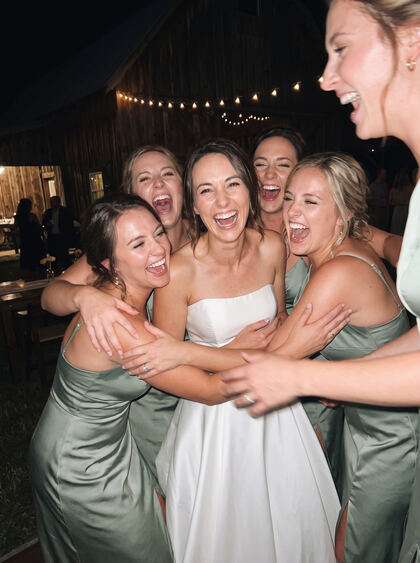
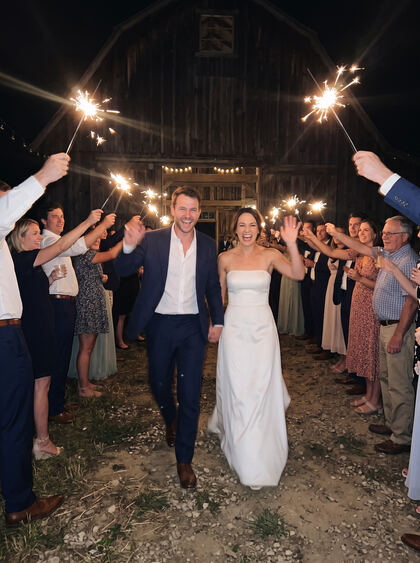
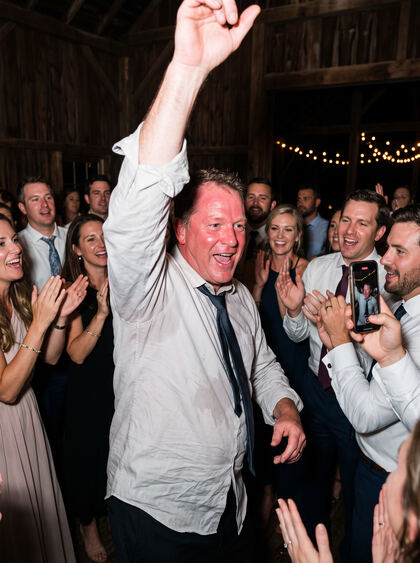
Let your guests capture your event from every perspective. Just scan a QR code, take photos, and reveal the memories when you're ready. No app download needed.


Your guests shoot all day. They can't see a single photo until you choose the moment. Then the whole album unlocks at once.
Guests will see them at the reveal time.
Reveal now
12 guests · 87 photos

4.7 stars on the US App Store
by HaWest 2001
I used Everlens for my wedding and honestly, it was so worth it. Everyone loved using it, and I ended up getting so many pictures and memories from different perspectives. There were so many moments I didn’t even know were captured, which made it extra special to look through everything afterwards. Such a great idea for a wedding or any special event. Definitely recommend!
by mia34561
We used Everlens for our wedding and it worked out really well. Super simple for everyone and we got SO many photos we probably would’ve missed otherwise. Really happy with it🥰
by goooood137
I had it for my birthday party and had so much fun! Asking for photos can get awkward but this app really helps!
by Diana3458
I used this app at my wedding and honestly, it was one of the best things we had. Everyone really enjoyed using it, and I ended up getting so many photos and little moments from different perspectives that I would have never seen otherwise. It’s such a cool way to capture memories, especially at a big event. Really loved it!
by Carl B 🛠️
I absolutely love this app! We used it at my birthday party, and it captured so many beautiful photos. Everyone thought the app was amazing and had so much fun using it. I’ll definitely be using it again for my next celebration!
Use cases




How it works
Name it, pick the end date, and choose how many photos each guest gets. It takes about a minute.
What your guests see before they open the camera.
Sofia & Luca's WeddingGo live, then put the code on tables, in the invite, or on a screen. Guests scan it and start shooting.
Guests can scan this code and start snapping right away.
Scan to add your photos
Photos stay hidden until you choose the moment. Then every guest's shots appear at once.
12 guests · 87 photos
On iPhone, the QR code opens an instant App Clip. On every other phone, it opens in the browser. Either way, the camera opens straight away, with nothing to download and no sign-up.
Yes. Create and pay for your event whenever you like. Guests can only join once you tap Go live, and you can change the end date anytime.
Guests need a connection to join. On iPhone, every photo is saved on the phone first and the upload is retried automatically if the signal drops. On other phones, photos upload right away, so guests need a connection while shooting. If your venue has poor signal, share the Wi-Fi with your guests.
Create your event in the app, which takes about a minute, and you get a QR code and a link. Every guest uses the same code. Print the poster, or put the code on tables, in the invite, or on a screen.
Yes. As the host, you can view every photo before the reveal and remove photos or guests from your event. When you're ready, tap Reveal now to open the gallery for everyone.
Try it for free at your bridal shower. See it work before your wedding.
Everlens is made by Wizard Dynamics, a studio in Munich. Every event gets its own private gallery, and photos are encrypted in transit. As a German company, we follow EU privacy law (GDPR).